
.png)
Communication without borders, always at your fingertips
The Thulium mobile app gives you control over customer service when time is of the essence: quick email responses, fast case redirects, swift issue resolution - all without waiting to return to your computer.


Respond to emails from anywhere
ticketing system always in your pocket.

Quickly organise requests
statuses, priorities, tags, queues, and assignments.

On Android: receive calls from the helpline
call centre and VoIP in the mobile app.
See how the Thulium mobile app works in practice
When customer service doesn’t happen at the desk - mobility matters. Spikes in the helpline, requests after hours, hybrid work. Thulium Mobile allows you to maintain continuity in requests (iOS/Android) and - when needed - take calls in the app (VoIP). See how it looks in practice.
Ticketing in the warehouse: update requests and order statuses in seconds
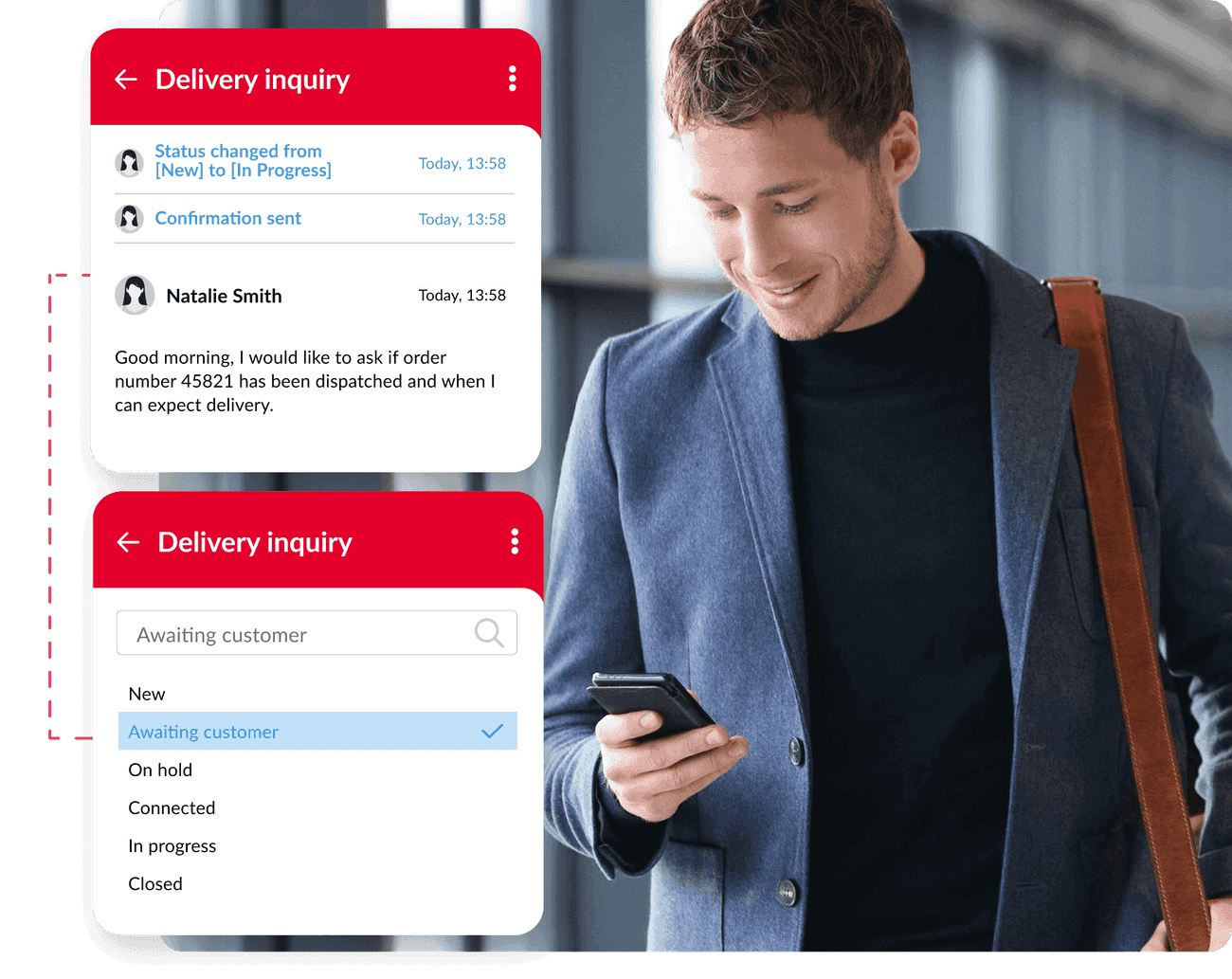
In e-commerce, speed matters: a client asks about a shipment, a change in an order, or a complaint, while you are in the middle of packing. The Thulium mobile app (iOS and Android) allows you to open a ticket, check history, and update the status of a request without returning to your computer.
In practice with Thulium Mobile:
- you open a request from the list and see the full context
- change the status (e.g. "Pending" → "In Progress")
- assign the case to the appropriate queue or person

Quote requests without waiting: mobile helpdesk in the field (iOS and Android)
New requests come in when you're out of the office: on the go, before a meeting, between calls. With Thulium Mobile on iOS and Android, you can handle a request immediately: respond with a template, assign an owner, or forward it to the right person — without wasting time and without saying "I'll get back to this later".
In the app, you can:
- quickly open a request and respond with a ready message
- set priority and assign to a person/queue
- forward the case to the next stage of the process

.png)
Call centre on your phone: queues and calls under control in the app (VoIP/softphone)
In environments like medicine and contact centres, there’s no "I’ll be right back". When there’s a spike in the helpline or you need to quickly take over a shift, call handling in the app (VoIP/softphone) and queue visibility come in handy.
In Thulium Mobile, you can:
- check the queue situation and take a call
- make an outgoing call from the app
- after the call, add a note and tags so the team has full context.

.png)
Choose a system: iOS or Android - download Thulium Mobile from the store
On both systems, you gain mobile access to requests and helpdesk. If telephony is also important in your process, you can use the call mode in the app (VoIP/softphone) - depending on the configuration.
Work on requests from phone: browse context, update statuses and priorities, pass cases to queues.
Key features:
- list of requests + contact history
- change statuses, priorities, and assignments
- forwarding to queues and individuals
- notes and quick responses
In addition to requests, handle calls in the app - mobile, on duty, and in emergencies.
Key features:
- all ticketing/helpdesk functions
- receiving calls from the queue (helpline)
- outgoing calls in the app
- notes and tags after a call
Ticketing system on the phone
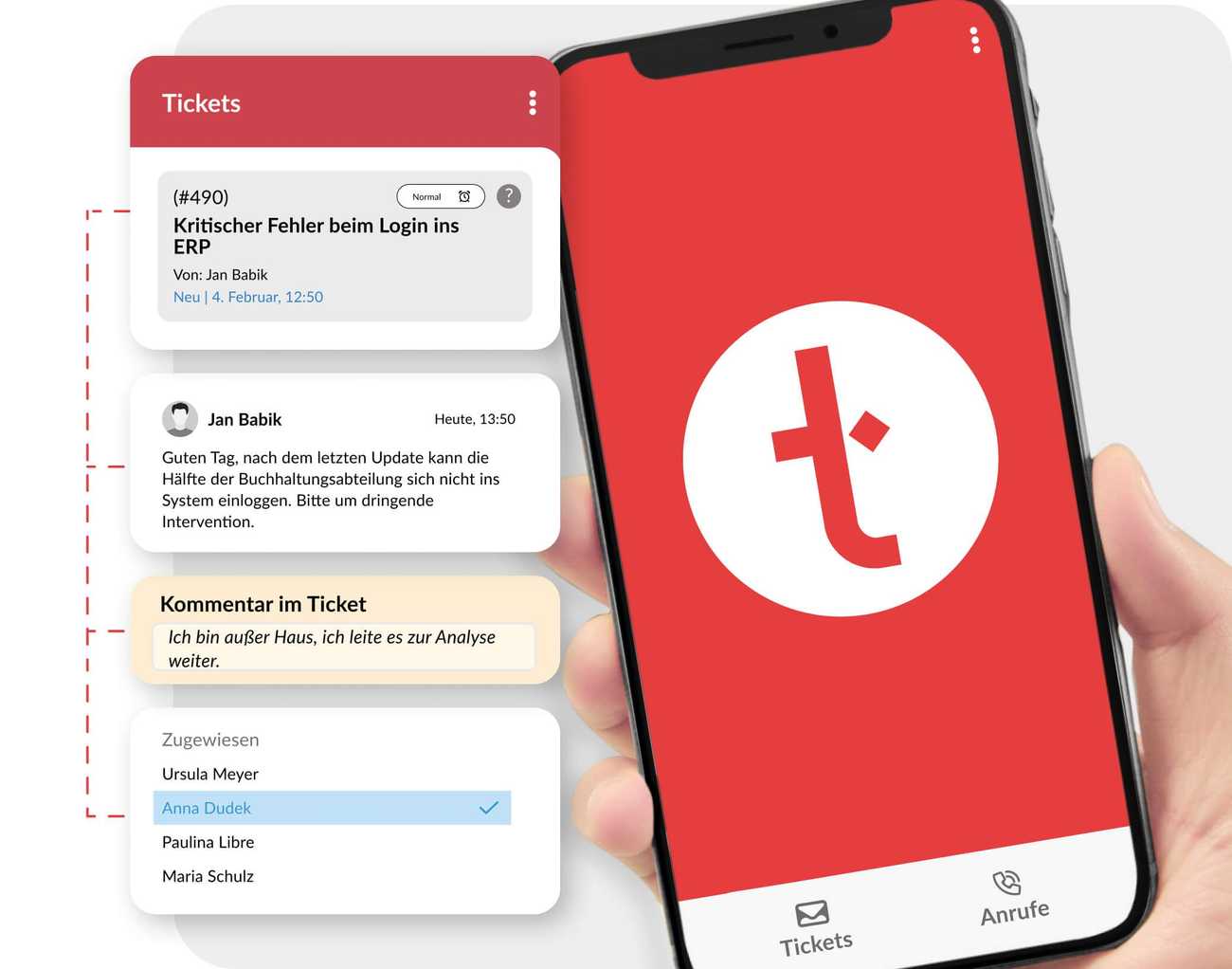
In the app, you can switch to the requests module and:
- see a list of open tickets
- search requests by subject
- view the details of the case and track events - client messages, responses, comments, status changes
- respond to the client or add an internal comment, with attachments and photos
- change the queue, assignment, status, category, priority, and tags
- add/remove an address in CC for email correspondence
- view client data from the CRM if the request is linked to a record
- share a link to the request, e.g. for escalation.

Helpline in the app: managing incoming traffic
On Android, you can also manage calls:
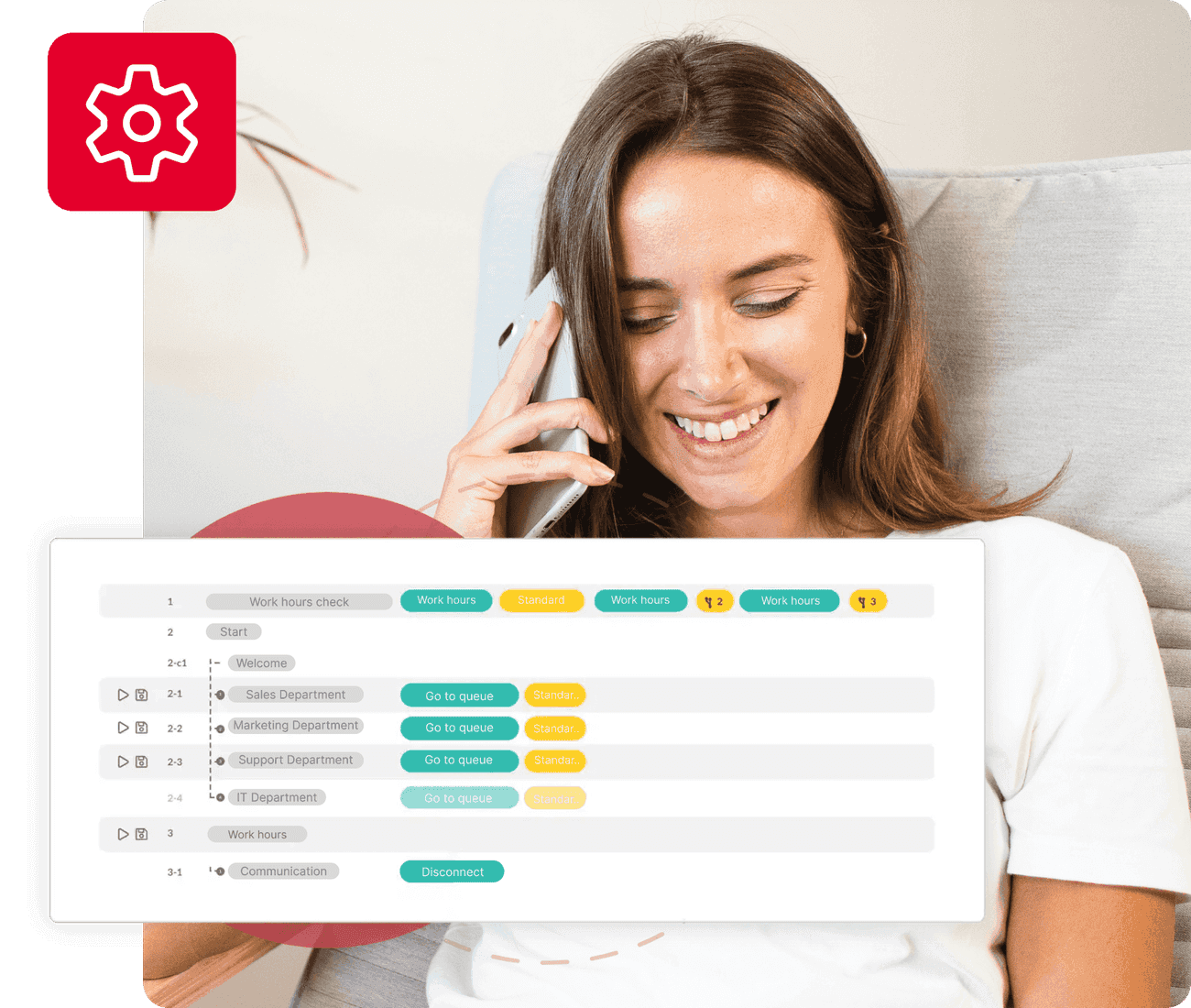
- receive calls from the helpline Thulium Support
- conduct internal conversations (SIP) Thulium Support
- make calls as part of a simplified campaign Thulium Support
- after the call, you can add a subject, note, and tags in the call history.







.png)




.png)

.png)






.png)



Hybrid work in the call centre
Shifts, hybrid work, and sudden spikes - without losing quality
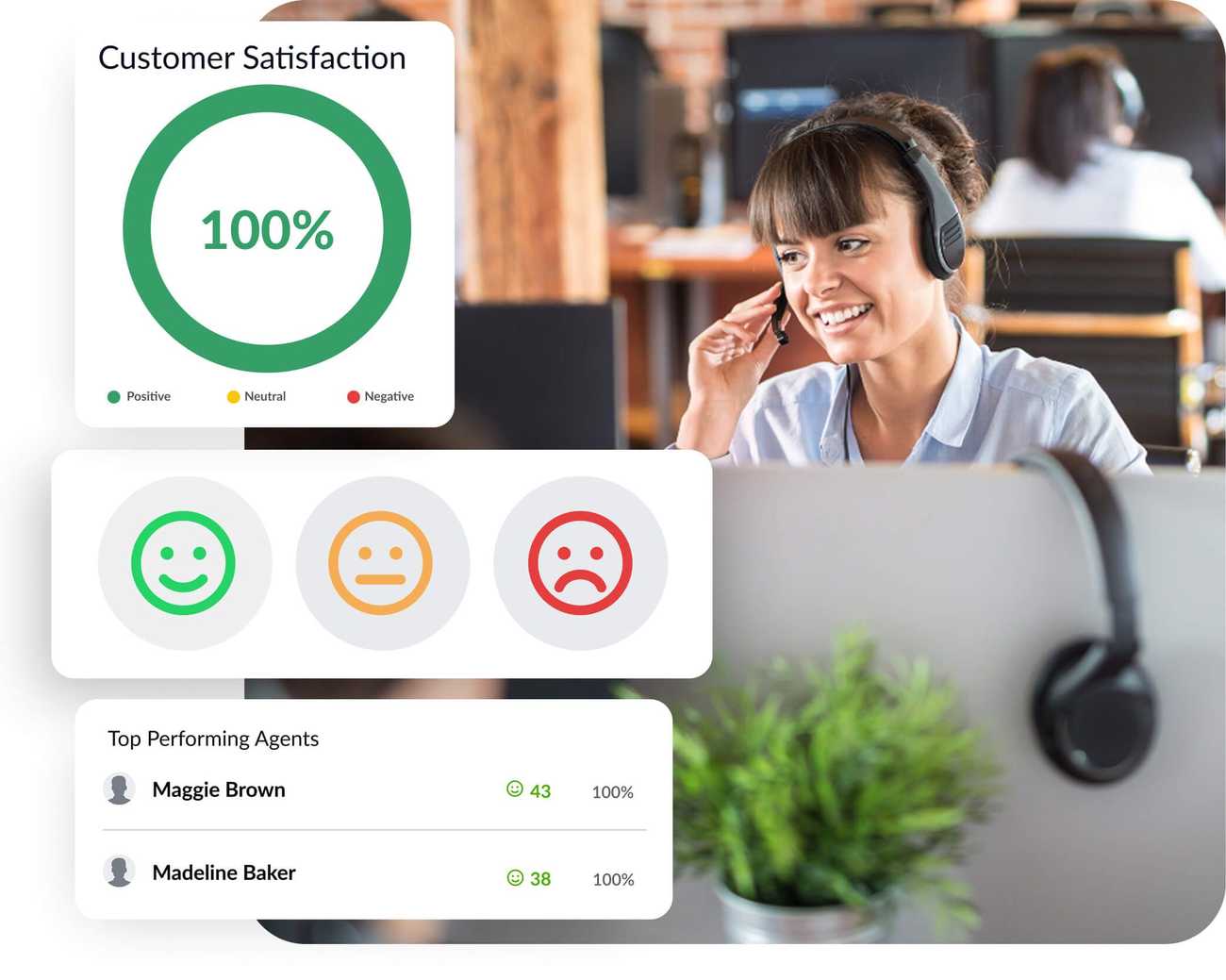
Mobile apps in contact centres often excel in three situations: when the team works remotely/hybrid, when you handle shifts after hours, and when there is a sudden increase in contact volume.
In practice, it’s all about one thing: maintaining customer service continuity regardless of the workplace - quickly take over a case, add a note after a call, and return to the client without waiting for a computer.

Get started in minutes with Thulium Mobile
Work more efficiently with a tool designed for modern teams.

Download the Thulium Mobile app on Android or iPhone (iOS).

Log in by providing the system address + login details (or another available method).

You work in the field, without the need for access to a computer.
Requirements and important information Check here → Thulium Support.
What do you gain from the integration?
Thanks to this integration, your company gains a new level of efficiency in customer service across social media channels. Here are the key benefits:


Customer service software without interruptions
You respond to emails and requests, even when you are away from the computer.

Continuity in the online call centre (Android)
The helpline continues to operate, and you don’t lose contact with the client because you manage the queue from your phone.

Order in the ticketing system
You set priorities, statuses, and case redirects immediately, instead of "for later".

One source of truth
Interactions are recorded and available in the Thulium system.
Do you want to have email and phone in one system, even outside the office?
Download the Thulium mobile app and ensure seamless customer service continuity in your contact center.


FAQ
Yes — the Thulium mobile app allows you to handle inquiries (helpdesk / ticketing system) on both iOS and Android. Additionally, on Android, you can manage call center interactions.
Yes — the app allows you to browse tickets, reply to customers, add internal comments, and manage statuses, priorities, tags, queues, and assignments.
Yes, but only on Android — the app can act as a softphone for handling calls (e.g., helpdesk infoline queues and outbound calls).
Yes — the ticketing module is available on both iOS and Android. Telephony features (call center) are exclusively available on Android.
You can stay on top of daily tasks: check the ticket list, view ticket details, quickly reply to customers, and update statuses, priorities, tags, queues, and assignments.
Yes — the app makes it easy to send quick replies and add attachments (like photos) when you need to resolve an issue "on the go."
Yes — if your SIP account is correctly configured and you are logged in for call handling, the app allows you to receive calls from your queues.
In most cases, ensure you aren't logged into the "telephony" panel on your computer at the same time and wait a moment after switching to allow the SIP session to refresh properly.