
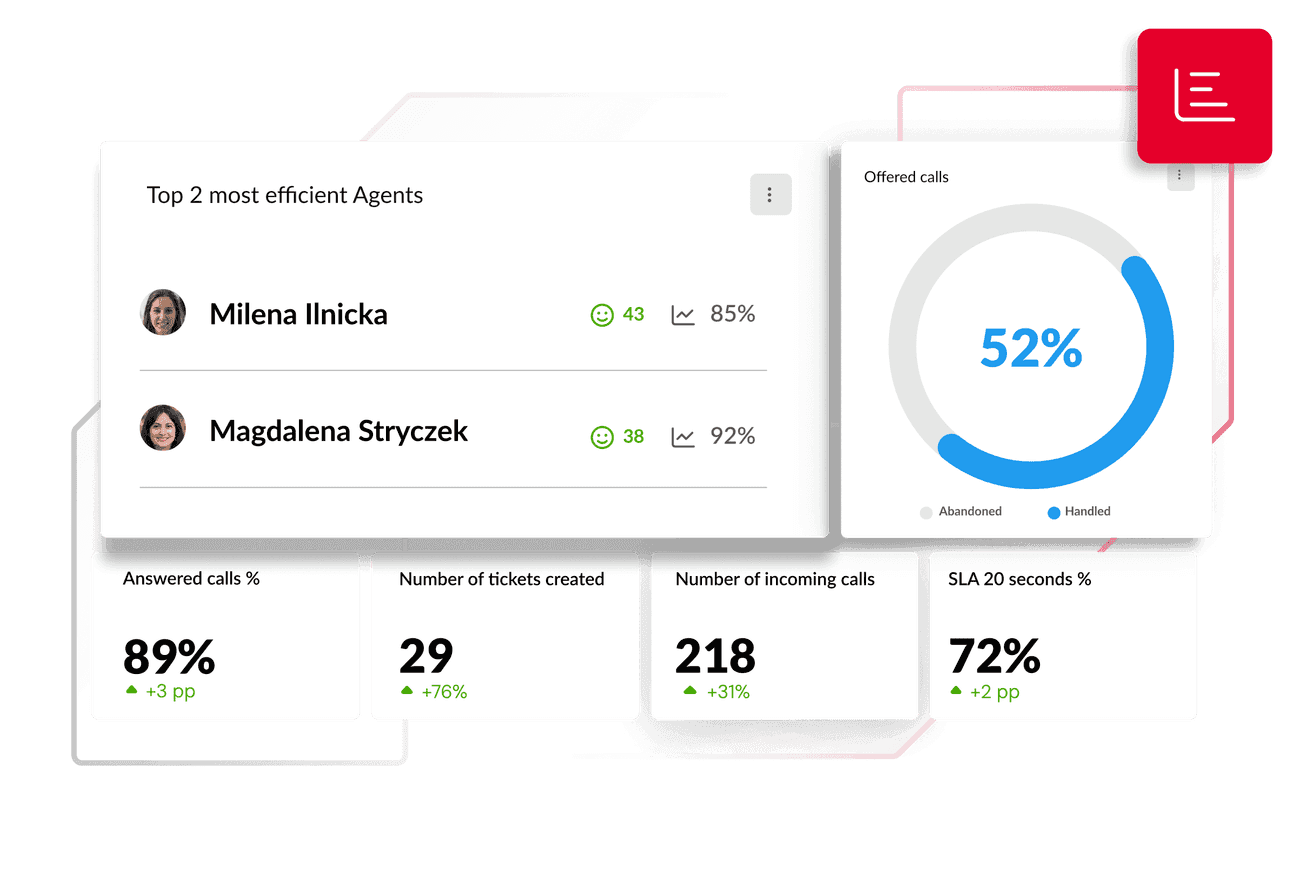
All channels under control
No more searching for data in multiple places! Thulium automatically consolidates data from all communication channels. Check how long agents are talking on the helpline, how many calls were missed, how many tickets are in the helpdesk module, and how much time agents spent on breaks. Monitor the service level for each channel to get a complete picture of omnichannel performance.
Adjust resources to needs
Reports such as Service Level (SL) and queue wait time are essential for effective scheduling. Assess whether the number of consultants is sufficient and during which hours resources should be increased or freed up. You will also see how long your customers are waiting for calls and how often they are dropping off, thereby avoiding downtime.

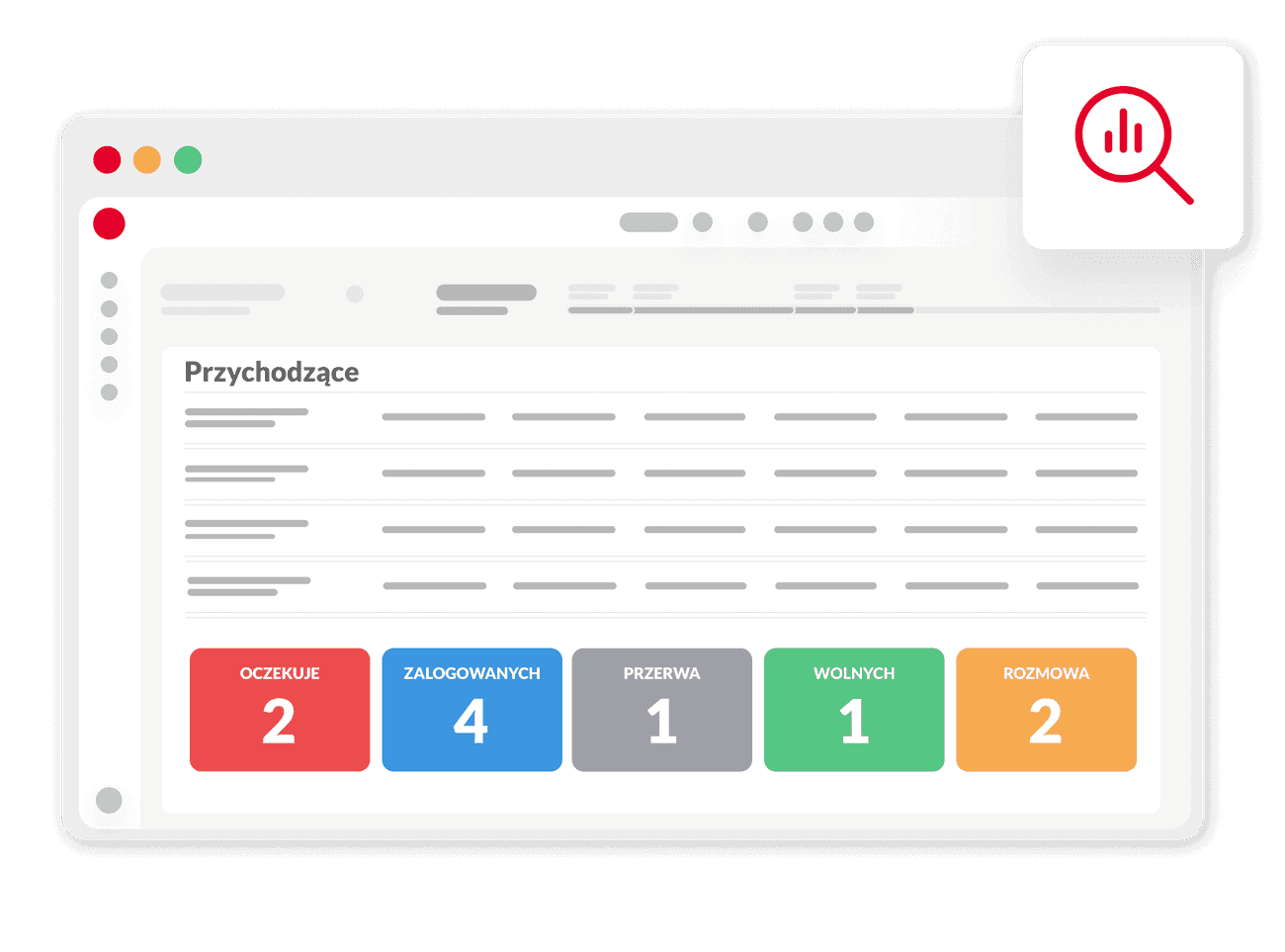
Thoroughly analyse the agents' work
The number and duration of calls, the number and time of ticket closures, break times and availability, as well as many other parameters related to consultants are recorded in the system. With this data, you can realistically and reliably assess the quality of your team's work. Recordings of employee calls are excellent training material.

.jpg)
AI Reports - a new dimension in service quality assessment
Utilise AI Voice Analytics for automatic conversation analysis. AI user analysis provides managers with ready feedback on the prevailing sentiment and speaking time. AI conversation analysis indicates which criteria have been met, which is crucial for development and training decisions.

%20(1)%20(1).png)
14 days free trial
Reports of individual channels in the contact centre

Analysis of the effectiveness of the helpline
Analyse call volume, average call duration, missed call rate, and queue waiting time. This data helps in optimising staffing and maintaining a high level of service.

Submissions and helpdesk
Monitor the KPI indicators related to email ticket handling. Check the first response time, ticket closure time, and how many tickets remain open. These reports are essential for managing SLAs and improving service quality in the helpdesk module.

Campaigns and telemarketing
Measure the actual effectiveness of outbound activities - record statuses, conversion in campaigns, or the number of records processed by agents. Reports allow for a quick assessment of ROI and optimisation of sales strategies.

Wallboardy - live transparency
Your interactive dashboard. Monitor department metrics in real-time, such as service level and the number of waiting customers. Wallboards offer many opportunities for optimising the call centre team.
Detect threats in a timely manner
Customer ratings will help you to notice dissatisfied customers promptly and intervene as needed. You will also see which consultants receive good or bad ratings more frequently than others. Each module has its own rating system.

.jpg)


Thulium reports provide us with complete insight into the department's operations and allow for ongoing monitoring of key performance indicators. Thanks to them, we can see what needs optimizing, which has resulted in a 30% reduction in the average email response time and a 20% increase in call answer rates.
Dominik Mierzwa, Customer Service Manager at SklepOpon.com
Reports in omnichannel
Reporting in Thulium is a central module that provides you with complete transparency and control over omnichannel. This gives you the knowledge necessary to make the best development decisions. Stop guessing, start optimizing. Harness the potential of your data to continuously enhance service quality.

.png)
FAQ - frequently asked questions about reports in omnichannel
Thulium consolidates data from all channels (hotline, email, chat) into a single system. This allows for the analysis of omnichannel performance metrics, such as Service Level (SL) for each channel separately, providing a complete performance overview free of data silos.
A Wallboard is an interactive display showing key performance indicators (KPIs) in real-time (e.g., number of waiting customers, current Service Level). It enables managers to make immediate decisions regarding, for instance, break management and adjusting resources to the current workload.
AI reports utilize AI Voice Analytics to automatically score and analyze the sentiment of every transcribed call. This provides managers with ready-to-use feedback and objective data for training and development decisions.
In the ticketing and helpdesk module, monitoring SLAs (Service Level Agreements) is crucial. Metrics such as first response time, ticket resolution time, and the number of open tickets are tracked, which is essential for maintaining the quality of email support.
Yes, the system records consultant calls. These recordings are automatically attached to the contact history in the customer profile. They serve not only as proof of communication but also as excellent training material for auditing and evaluating agent performance.
Thulium reports allow for measuring actual conversion rates and monitoring record statuses in outbound campaigns. This enables a quick assessment of ROI and the effective adjustment of telemarketing strategies.
For effective resource planning, reports on Service Level, queue wait times, and abandonment rates are key. This data allows for accurate forecasting of staffing needs during specific hours and maintaining a high level of service.
Customer satisfaction is monitored using rating systems integrated into every module. Calls are rated via SMS surveys, while chats and emails use emoticons, allowing you to spot dissatisfied customers in time and intervene quickly.