
What is a ticketing system?
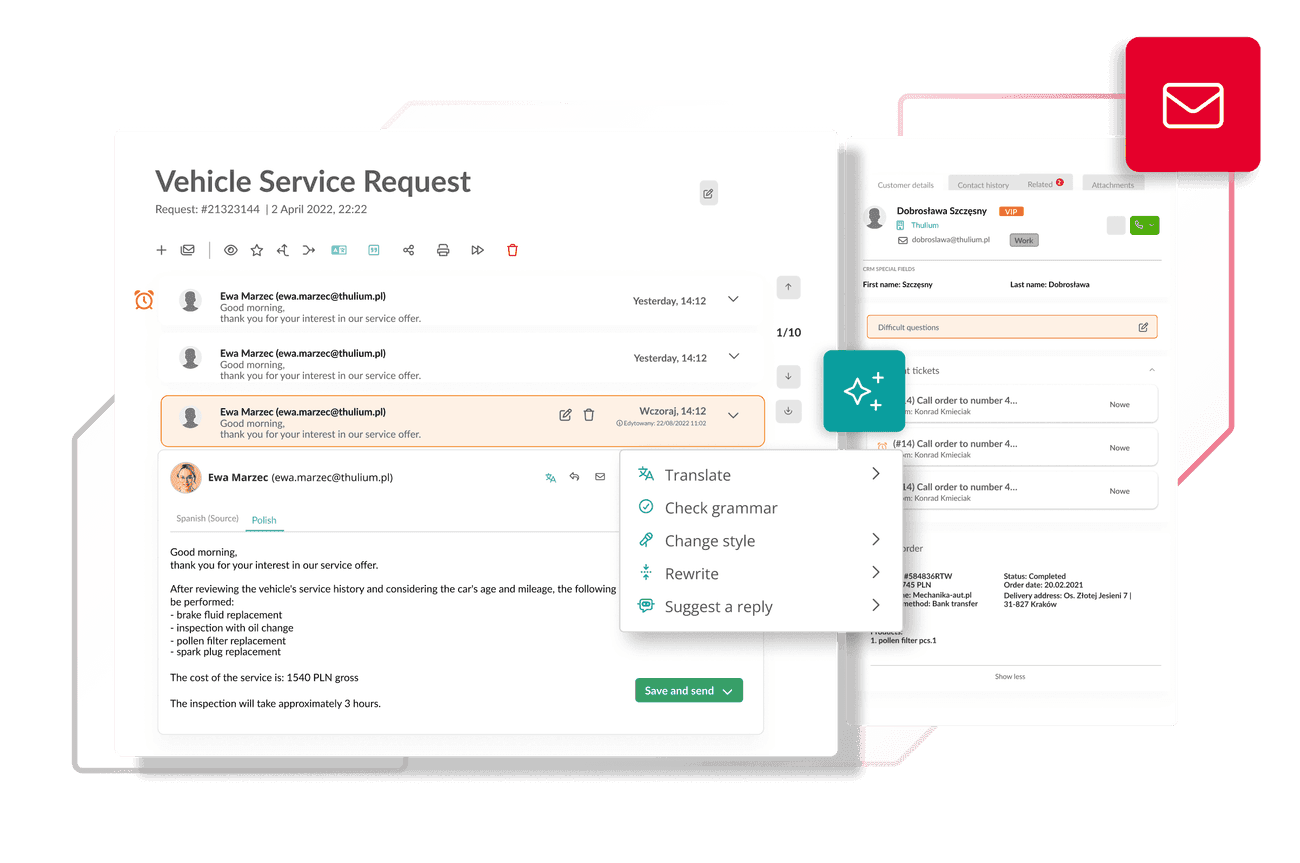
Private email inboxes hinder control and collaboration. At Thulium, all emails go to a shared inbox - everyone can see the contact history, knows which issues require attention, and can efficiently assign and resolve customer tickets.
Ticketing - the team can do more!
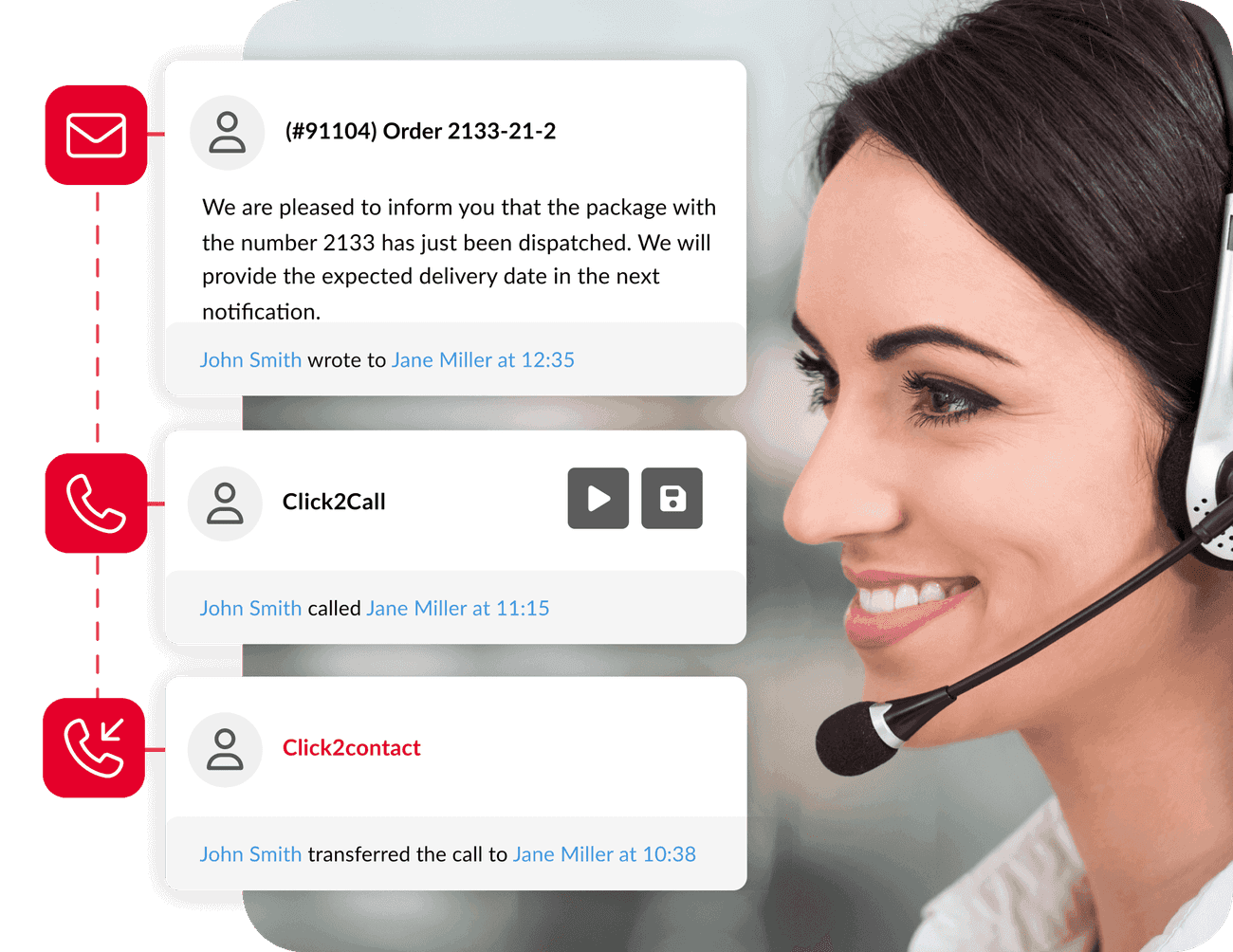
Every email goes to a shared inbox. Consultants can see the complete history of contact: emails, chats, calls, and notes. This allows for quick and personalised customer service, even when the agent handling the case changes.

Messages from various messaging apps in one system
Manage WhatsApp, Instagram, and Messenger in the Thulium panel. Thanks to integration with Meta Business Messaging, all messages from popular messaging apps go directly into the ticketing system, alongside emails and phone calls. Consultants can see the complete customer history. This ensures consistent, fast, and professional service regardless of the contact channel.

.jpg)
Thulium integration with the marketplace
The integration of Thulium with Allegro and EmpikPlace ensures that every message from Allegro discussions is automatically converted into a ticket in Thulium. Similarly, messages from EmpikPlace are synchronized with the system, eliminating the need to switch between platforms and providing complete visibility of all interactions.

.png)
Thulium AI Assistant - rapid ticket handling
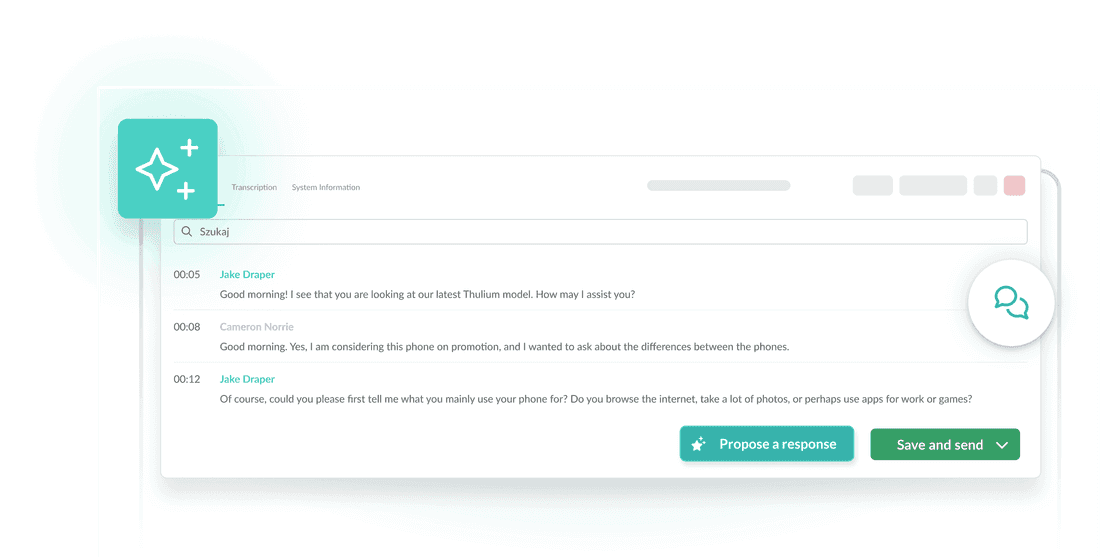
Generate accurate responses with a single click, check text quality, create quick summaries, and manage requests with smart tags. The Thulium AI Assistant speeds up team workflows and makes customer service simple, fast, and error-free.

14 days free trial

.png)

















.png)
The ticketing system provides quick solutions to recurring problems
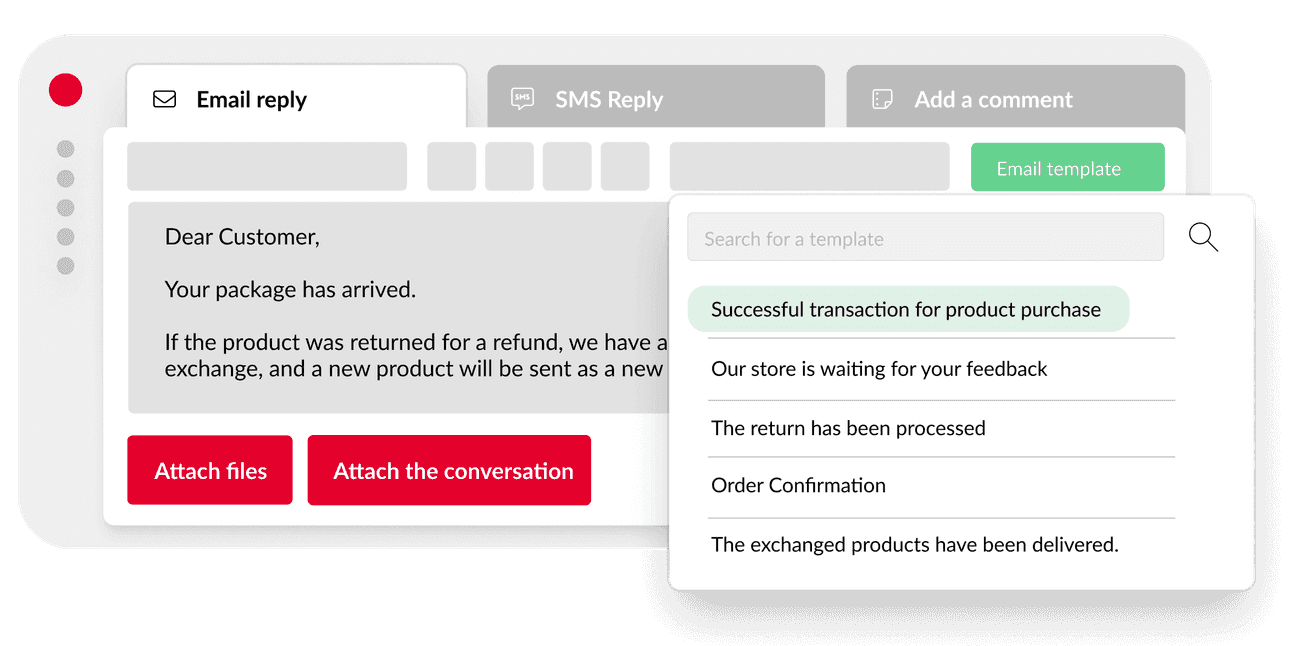
Create response templates with personalisation options to speed up the handling of repetitive requests. Customers receive quicker and tailored responses, while the team operates efficiently.

Priorities and automation
Reports always reach the right person. Automatic prioritisation allows the team to focus on the most important issues, and you can be sure that nothing will be overlooked.
.png)
Ticketing system - seamless operation

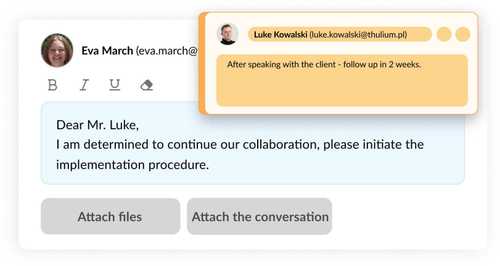
Internal comments
Provide feedback in the message thread, visible only to the team. This allows for efficient collaboration and enables another consultant to continue work when someone is absent.

.jpg)
Agents reviewing the application
Thulium displays content created by another agent present in the same ticket. Thanks to the avatar, you can see who is currently involved in the given request.
Make use of reports, wallboards, and dashboards
You can see who is working on what and at what stage their task is. You monitor response times, team performance, and key metrics - all within Thulium's intuitive interface.

.png)
Customer satisfaction research and feedback
Collect customer ratings using emoticons in the message footer. Negative ratings allow for immediate responses, and reports provide detailed insights into the consultants' performance.

.png)


We chose Thulium because we needed a system that would gather all data in one place and streamline customer service. With automatic ticket assignment, our clients receive assistance more quickly.
Ilona Wilk, Customer Service Department Manager at Puccini
Simple ticketing system - how it streamlines company operations
The Thulium helpdesk will organise the company's operations, reduce the risk of errors, and speed up the handling of repetitive requests. Every customer is served efficiently, regardless of the subject of the message.
FAQ
A ticketing system is a tool that organizes all customer communication in one place. Every message—whether it's an email, chat, phone call, or social media contact—is converted into a ticket that can be easily assigned, processed, and closed.
Private inboxes hinder teamwork and increase the risk of errors. With ticketing, all emails land in a shared inbox, allowing agents to see the customer's full history and provide a quick, consistent response.
Yes, thanks to the Meta Business Messaging integration, all messages from WhatsApp, Messenger, and Instagram flow into the Thulium system. Agents handle them just like emails or chats, with access to the customer's complete history.
Every message from an Allegro or EmpikPlace discussion automatically becomes a ticket in Thulium. The team doesn't need to log into different platforms—all messages are visible in a single panel, which significantly reduces response time.
Yes, the Thulium AI Assistant streamlines daily ticket management. The system suggests replies, summarizes conversations, recommends tags, and checks text quality. This makes agents' work faster and customer service more precise.
Thulium allows you to monitor response times, the number of resolved tickets, individual agent performance, and customer satisfaction levels. Everything is presented in clear dashboards and reports.
Thulium is flexible. It is used by both small teams and large contact centers. The system streamlines support, supports automation, and enables efficient communication with customers across multiple channels.